

From document to approval, in a single journey.
Arqueum covers the complete document lifecycle: classification, versioning, retention, review and approval workflow, electronic signature, read-acknowledgment, controlled copy, granular permissions and audit trail.
The lifecycle in 8 stages
Each stage records who did it, when and why — the audit trail starts when the document is created.
- 01
Capture
Attachment, batch import, form template or scanning with OCR.
- 02
Classification
Storage location, document type and attributes — with AI suggestions, if enabled.
- 03
Review
Configurable workflow with owners and deadlines per stage.
- 04
Approval
Recorded approval, with branching and electronic signature when required.
- 05
Publication
Current version identified, permissions applied, distribution by unit and profile.
- 06
Acknowledgment
Read-acknowledgment with reading records and pending items per team.
- 07
Validity
Monitored retention: periodic review, expiry alerts and controlled copy.
- 08
Disposition
Expiry, obsolete marking or disposal — according to the defined policy.
Guided publishing, with or without AI.
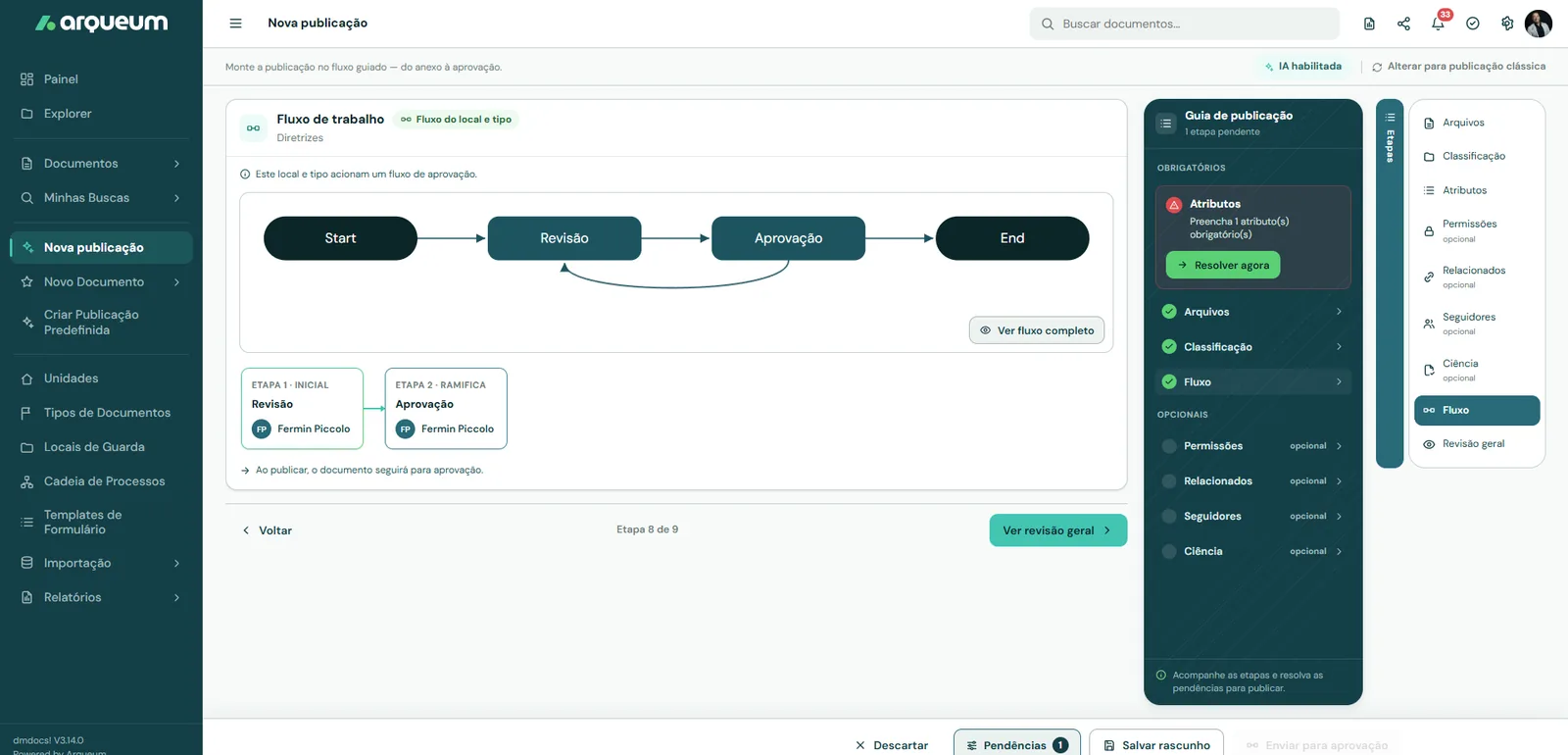
The publishing screen brings together attachment, classification, permissions, workflow and approval in a single guided journey. With AI enabled, the fields appear pre-filled with suggestions, each with a confidence level. With AI turned off, the flow remains manual and in the same order.
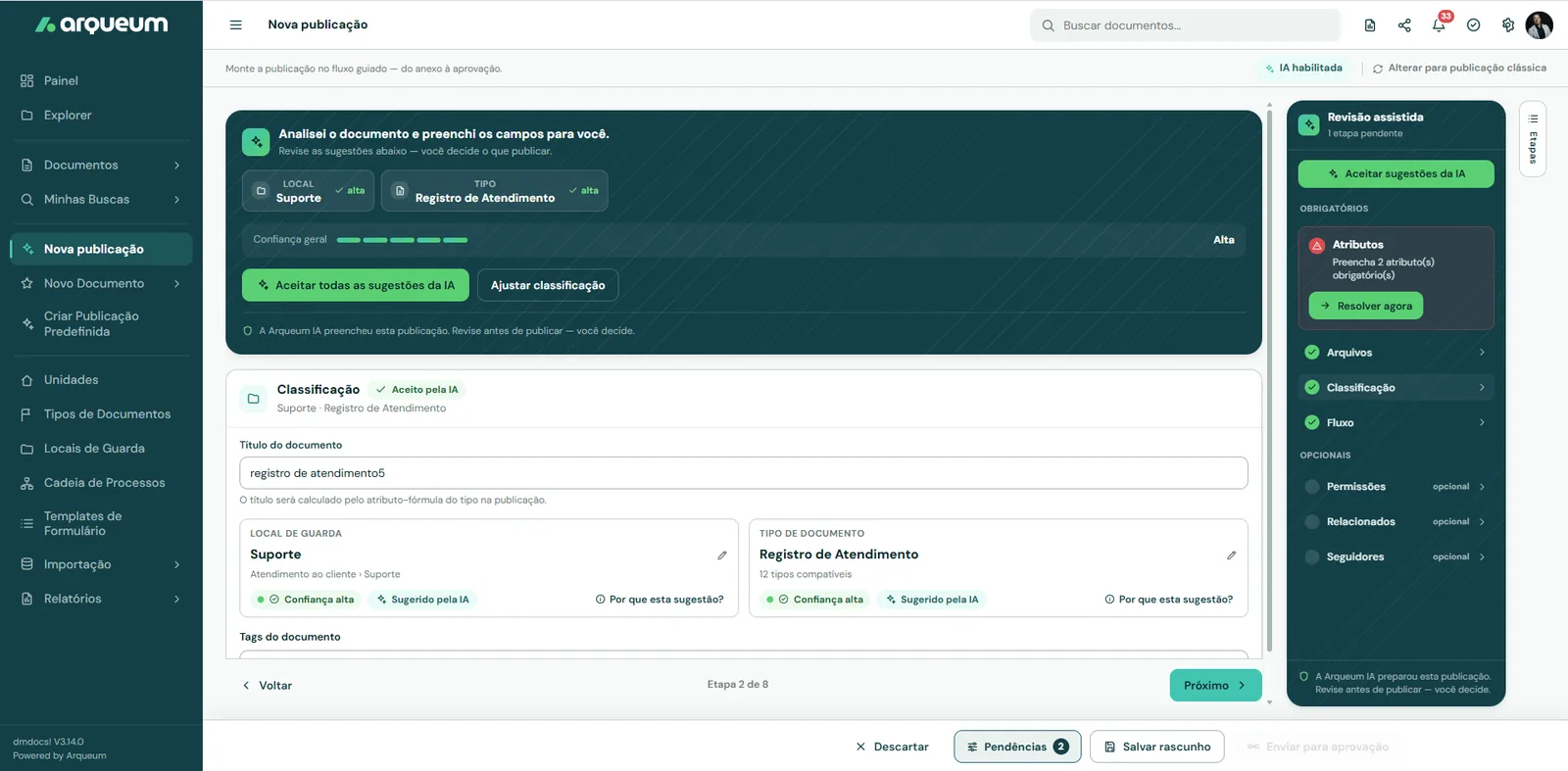
AI classifies. The employee decides.
Workflows and signature without leaving the system.
- 01
Configurable workflow
review and approval with owners, deadlines and branching, triggered by the document's location and type.
- 02
Native electronic signature
with signing order and certificate, within the same trail.
- 03
Read-acknowledgment
a record of who read it, when they read it, and a pending-items report per team.
- 04
Controlled copy
with watermark, justification and tracking of every issue.
Information structure and productivity
- 01
Classification plan
Units, storage locations, document types and attributes — the structure that makes AI and search work.
- 02
Versions and retention
Current version always identified, complete history and disposition at the end of validity.
- 03
Search and preview
Preview of more than 65 formats without additional software, and search with the user's permissions applied.
- 04
Granular permissions
By unit, profile, storage location and document — copies keep the same access rules.
- 05
Audit trail
Reports by user and by action — evidence ready to consult instead of manual reconstruction.
- 06
Form templates
Structured documents are created inside the system, already classified and in the right workflow.
Mobility
Approve and consult from your phone
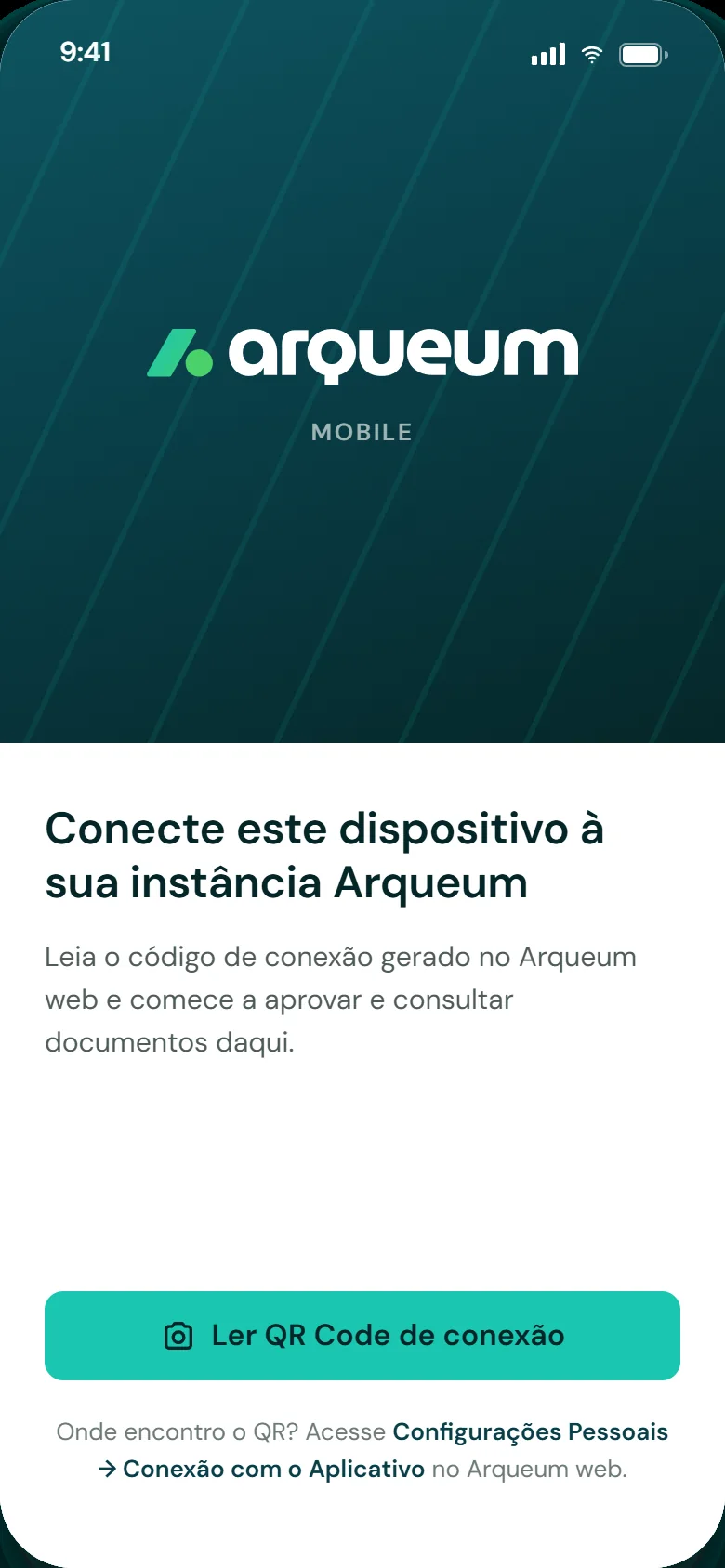
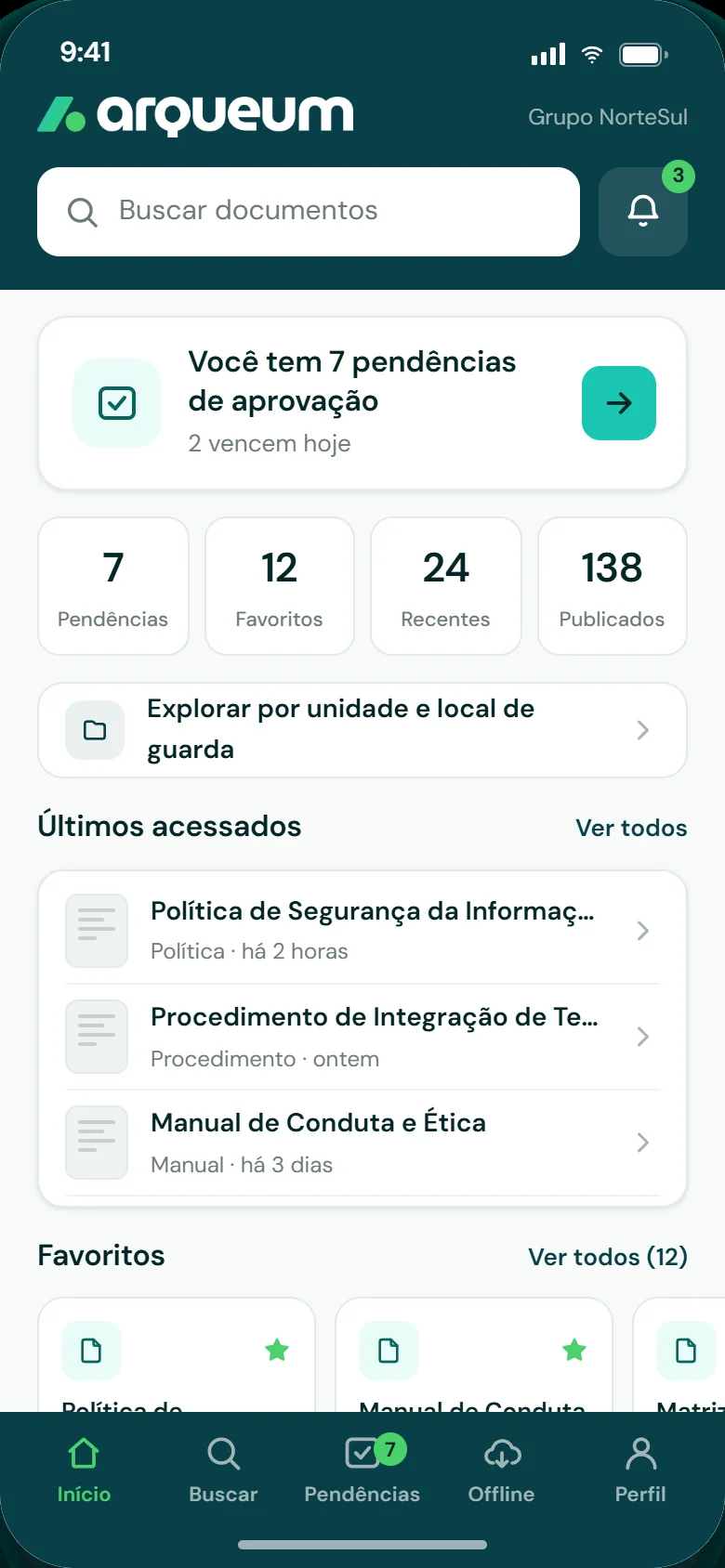
The app connects to your environment through a QR Code generated in Arqueum web and provides approval queues, search, favorites and offline access on the phone — with biometric unlock.

Frequently asked questions
- What is Arqueum?
- Arqueum is a document management, process and governance platform covering the complete document lifecycle — create, classify, review, approve, publish, consult, retain and archive or dispose — with rules, owners and evidence at every step.
- Do I need additional software to view files?
- No. The platform previews more than 65 file formats right in the browser, with nothing to install.
- Is electronic signature a separate tool?
- No — it is native to the platform, with signing order, a detailed certificate, simple and advanced classes and ICP-Brasil e-CNPJ support, inside the document's own workflow.
- Do workflows require development?
- No. Steps, owners, delegation, deadlines and notifications are configured in the platform itself, with no additional development.
- Does the platform integrate with Microsoft Teams, Google Workspace and Office?
- Yes. Word, Excel and PowerPoint open and save files directly on the platform, with no downloads or uploads; Teams and Google Chat get notifications, the document assistant and meetings with AI; and REST APIs — plus a SOAP layer for legacy systems — deliver documents and answers to the systems already in use.
- Can the platform be adapted to my operation's specific needs?
- Yes. Classification plan, document types, attributes, workflows and permissions are configuration — and whatever is specific to your organization comes in through plugins, without changing the product.
- Does Arqueum have a mobile app?
- Yes. Arqueum Mobile, for iPhone and Android, brings lookup, biometric approval, acknowledgment and secure offline reading of your instance's documents to the phone, with files encrypted on the device. It is on the App Store and Google Play.
Do you operate in more than one location?
Replication between sites with local autonomy: each one with its own servers and the same documents.
See the complete journey with one of your documents.
From AI-assisted publishing to approval with an audit trail.